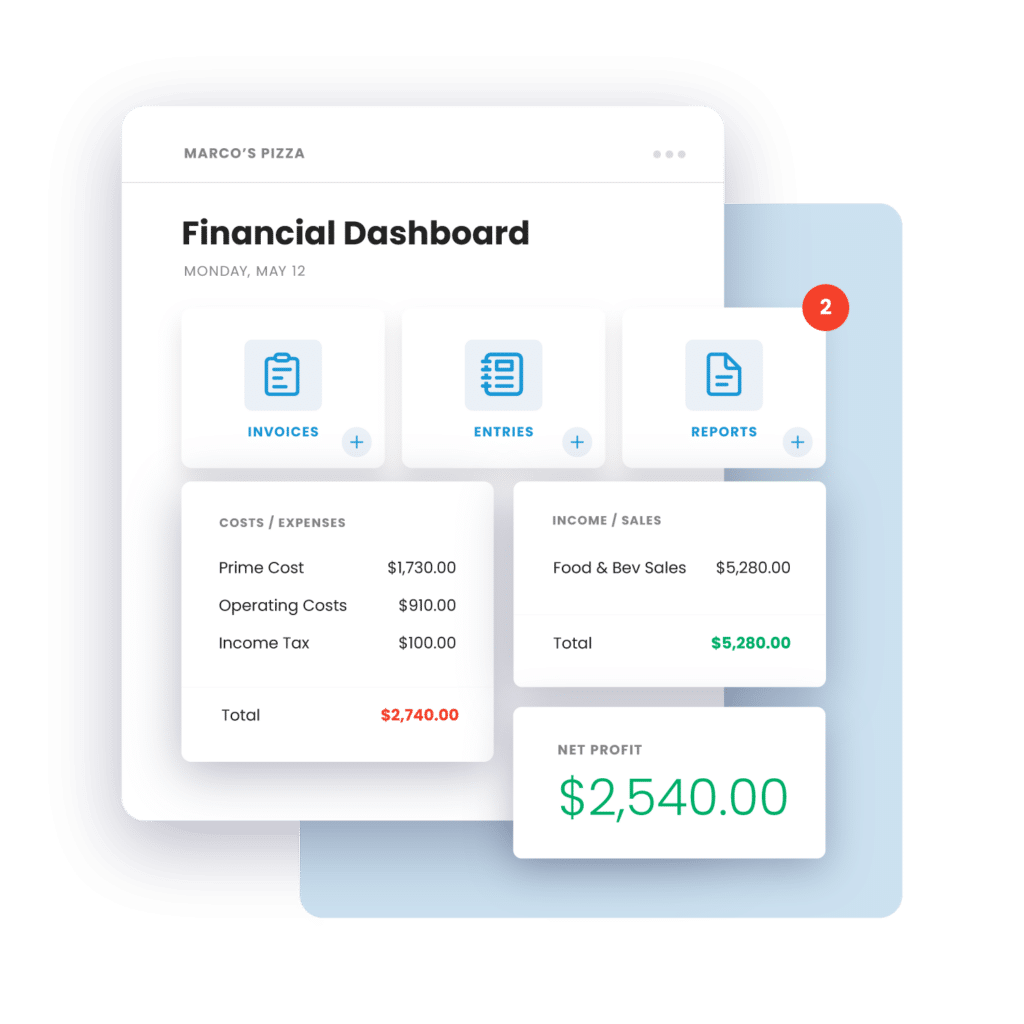
Not all restaurant platforms cost what they seem. Explore how Restaurant365 compares to alternatives when you factor in total cost of ownership, scalability, and hidden fees.
Choosing the right restaurant operations platform can determine whether your business grows efficiently or struggles with hidden costs and disconnected systems. Understanding what these platforms truly cost—from subscriptions and onboarding fees, integrations, and support—is essential for finance and operations leaders seeking scalability and profitability.
This comparison examines Restaurant365’s pricing and how it aligns against major competitors, highlighting not just sticker prices but the complete financial picture behind each solution’s total cost of ownership.
Restaurant operations software pricing varies widely across the market. Cost depends on system capabilities, the number of locations, and the pricing model used. Most providers adopt either per-location or per-user monthly subscriptions—or a hybrid tiered structure that scales with features and usage.
Entry-level restaurant management software may start around $150 per location per month. Advanced enterprise solutions with accounting, analytics, and payroll automation can exceed $500 per location. Restaurant365 starts between $469–$499 per location/month for its Essential plan, delivering a unified, cloud-based system that scales easily with growth.
Platform | Starting Cost (Per Location/Month) | Primary Focus |
Restaurant365 | $469–$499 | Full operations + accounting |
MarginEdge | ~$400 | Invoice + inventory automation |
MarketMan | $149–$249 | Inventory management |
Crunchtime | $5,000+ (enterprise) | Enterprise back-office automation |
Xenia | ~$200 | Operations & usability |
Understanding these pricing tiers helps operators avoid budget surprises. You can ensure all modules, integrations, and support costs are accounted for upfront.
Restaurant operations software costs typically comprise multiple components that together shape total investment:
Total cost of ownership (TCO) refers to the full lifecycle expense of owning and operating a software solution. This includes implementation, training, upgrades, and ongoing fees. Operators must evaluate these factors to determine long-term value across vendors.
Restaurant365 offers tiered pricing built for growing multi-unit operators. Each plan provides unlimited users per account and uses per-location billing for clarity and scalability.
Plan | Monthly Cost (Per Location) | Core Features |
Essential | $469 | Accounting, inventory, core reporting |
Professional | $689–$749 | Business analytics, AP Automation, fixed asset management, custom reports |
The Essential plan suits operators seeking unified accounting and operations. The Professional plan expands automation and reporting for greater financial visibility.
We deliver measurable performance gains that justify the investment:
Our modular, AI-driven design enables restaurants to add capabilities as they grow—without extra user licenses or disconnected systems.
Several other restaurant software options specialize in narrower operational segments. Each offers varying price points and functionality.
MarketMan emphasizes inventory and purchasing control. Plans start around $149–$249 per location/month, fitting operators prioritizing vendor management.
Key features include:
MarginEdge focuses on AI invoice processing and inventory management at roughly $400 per location/month. Its single-tier structure appeals to those preferring predictable billing while using automation to speed back-office tasks.
Crunchtime targets large enterprise restaurant groups with complex requirements. Pricing usually starts above $5,000 per month and scales with brand size. Although costly, it provides extensive customization, analytics, and enterprise-level support.
Xenia positions itself as a streamlined, operations-first tool focused on usability and rapid deployment. Priced near $200 per month, it supports small to mid-sized teams seeking operational visibility without robust back-office automation.
Long-term affordability depends less on listed subscription fees and more on the total cost of ownership (TCO).
TCO represents a platform’s complete expense over its lifecycle—including onboarding, integrations, support, and upgrades.
Platform | Subscription | Add-ons | Typical Implementation | Estimated TCO Notes |
Restaurant365 | $469–$749 | Optional modules | Moderate | Higher upfront, offset by automated savings |
MarketMan | $149–$249 | Limited | Light | Lower entry, fewer capabilities |
MarginEdge | ~$400 | Minimal | Moderate | Predictable monthly billing |
Crunchtime | $5,000+ | Custom | Heavy | High TCO suited for enterprise |
Xenia | ~$200 | Minimal | Light | Budget-friendly, fewer integrations |
Restaurant365’s integrated model may carry higher initial investment, but we consistently reduce manual labor costs through automation and unified data—an offset that becomes clearer over time.
When evaluating software, base subscription rates reveal only part of the cost equation. Operators should account for:
Implementation timelines vary from a few weeks to several months depending on system complexity. We provide guided onboarding and expert support to standardize financial and operational processes. This builds a foundation for consistent scalability.
Recurring costs may include add-on modules, API integration fees, or premium reporting tools. Because we include unlimited users per plan, operators can expand teams without additional license fees. This keeps long-term costs predictable.
Since most platforms charge per location, scaling from 5 to 50 units multiplies total cost. Restaurant365’s per-location structure keeps this calculation straightforward. Unlimited user access prevents labor-related system costs from escalating.
Comparing features helps clarify why pricing varies among software options.
Feature | Restaurant365 | MarketMan | MarginEdge | Crunchtime | Xenia |
Accounting automation | ✓ | ✗ | Partial | ✓ | ✗ |
Inventory management | ✓ | ✓ | ✓ | ✓ | Partial |
AI invoice processing | ✓ | ✗ | ✓ | ✓ | ✗ |
Reporting & analytics | ✓ | Limited | ✓ | ✓ | Basic |
Mobile inventory | ✓ | ✓ | ✓ | ✓ | ✓ |
POS integration | ✓ | ✓ | ✓ | ✓ | Limited |
Unlimited users | ✓ | ✗ | ✗ | ✗ | ✗ |
Restaurant365 performs strongest in financial visibility and automation. We connect accounting with operations to deliver real-time intelligence—an essential factor in cost control and sustained margins.
Selecting a system requires balancing immediate affordability with long-term efficiency and scalability. Follow these steps to evaluate your options effectively.
List your must-have capabilities:
Calculate costs across your current and planned locations. Include:
Distinguish critical features from optional enhancements. This prevents overpaying for capabilities you may not use.
Contact vendors directly for detailed pricing. Explore demos before making purchase decisions.
Wise investment decisions weigh cost against measurable productivity gains. A unified platform such as Restaurant365 automates accounting tasks, improves accuracy, and provides real-time insights that directly impact profitability.
Cost depends on the number of locations, selected modules, implementation scope, user levels, and required integrations or support. Enterprise features like advanced analytics typically increase pricing.
TCO helps maintain accurate budgets by including all costs—subscription, training, integrations, and support—over the platform’s full lifecycle. This prevents unexpected expenses from derailing financial projections.
Potential hidden costs include:
Compare features by tier and identify critical add-ons. Model costs at scale to understand long-term financial value. We make this straightforward through modular pricing and transparent plans.
No. We include unlimited users per plan. This allows you to expand teams without additional license fees as your operation grows.
For operators managing multiple locations, platforms with unified accounting, operations, and analytics deliver the strongest ROI. Restaurant365’s all-in-one approach eliminates the need for multiple disconnected systems.
Blog Menu
Understanding the true cost of restaurant operations software empowers you to make confident decisions. We designed Restaurant365 to streamline your back office, automate financial workflows, and scale with your growth—all without hidden fees or per-user charges.
Schedule a free demo to see how Restaurant365 can optimize your operations and reduce total cost of ownership.
Share this blog:
See why more than 50,000 restaurants use Restaurant365
Restaurant365 brings together accounting, operations, scheduling, and more in a flexible platform—empowering restaurants to choose the solutions they need and scale with confidence.